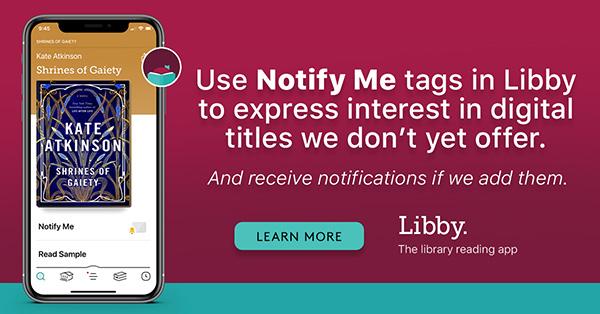
Use Libby to discover and share interest in titles not yet in Rogers Public Library’s digital collection on Library2Go.
This feature in Libby helps you find all the content you’re looking for, even if it’s not yet in our digital collection.
In Libby, there are two ways to discover titles that are not yet in our digital collection:
- If you search for a title, author, or series and it returns no results, Libby will automatically expand into a “deep search” to display relevant titles that are not yet in our collection.
- If you run a search that returns fewer than 100 results, you can tap the filter button (
 ) to manually enable “deep search.”
From the expanded search, you will see relevant results with a Notify Me option. Tap Notify Me to tag titles and be notified if they are added to our library’s digital collection in the future.
Two other options for recommending titles are:
- Send us an email at rplaskalibrarian@rogersar.gov.
- Fill out our Suggest for Purchase form.
Learn more on Libby Help.